

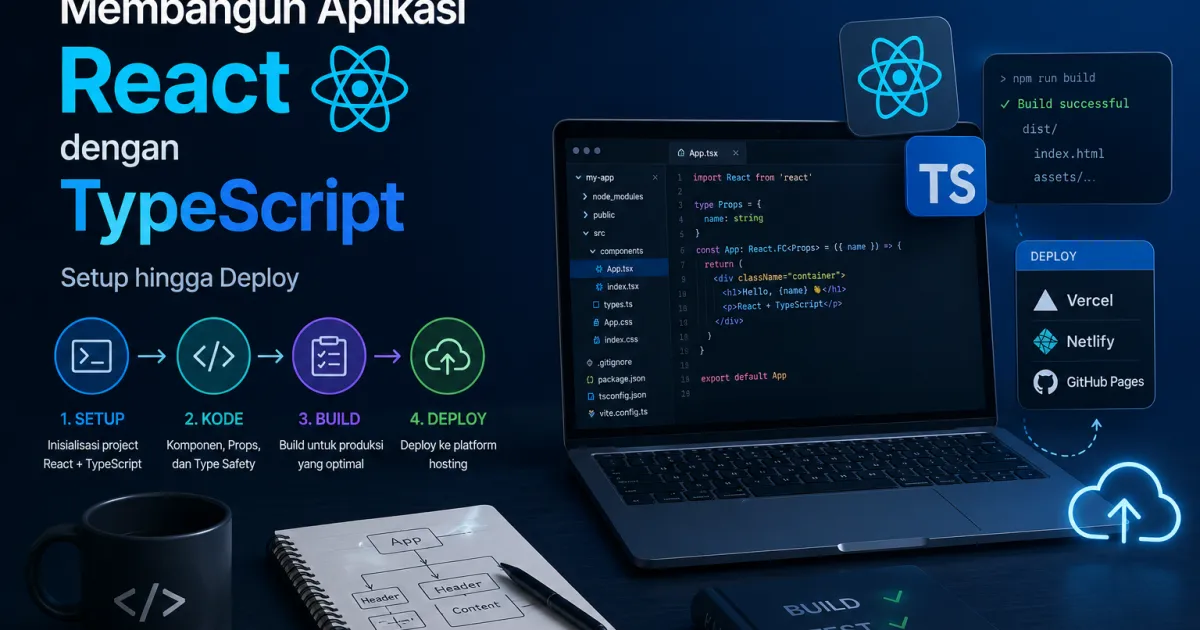
Setup Project
Gunakan Vite sebagai build tool: npm create vite@latest my-app -- --template react-ts. Vite jauh lebih cepat dari Create React App untuk development experience.
Konfigurasi TypeScript
Aktifkan strict mode di tsconfig.json: "strict": true. Ini mengaktifkan semua type checking yang ketat dan mencegah banyak bug potensial.
ESLint dan Prettier
Install eslint, eslint-plugin-react, @typescript-eslint/eslint-plugin, dan prettier. Konfigurasikan agar keduanya kompatibel dan tambahkan script di package.json.
Struktur Folder yang Skalabel
Organisasikan: src/components (reusable UI), src/pages (route components), src/hooks (custom hooks), src/services (API calls), src/types (TypeScript interfaces).
Testing dengan Vitest
Vitest terintegrasi sempurna dengan Vite. Setup React Testing Library untuk component testing dan MSW (Mock Service Worker) untuk mocking API calls.
Deploy ke Vercel
Push ke GitHub, connect repository ke Vercel, dan setiap merge ke main otomatis trigger deployment. Vercel zero-config untuk Vite projects.